Downloads

Step 03

For optimal performance, we recommend that you use the latest available version of the Allstream apps.
iPhone
MacBook
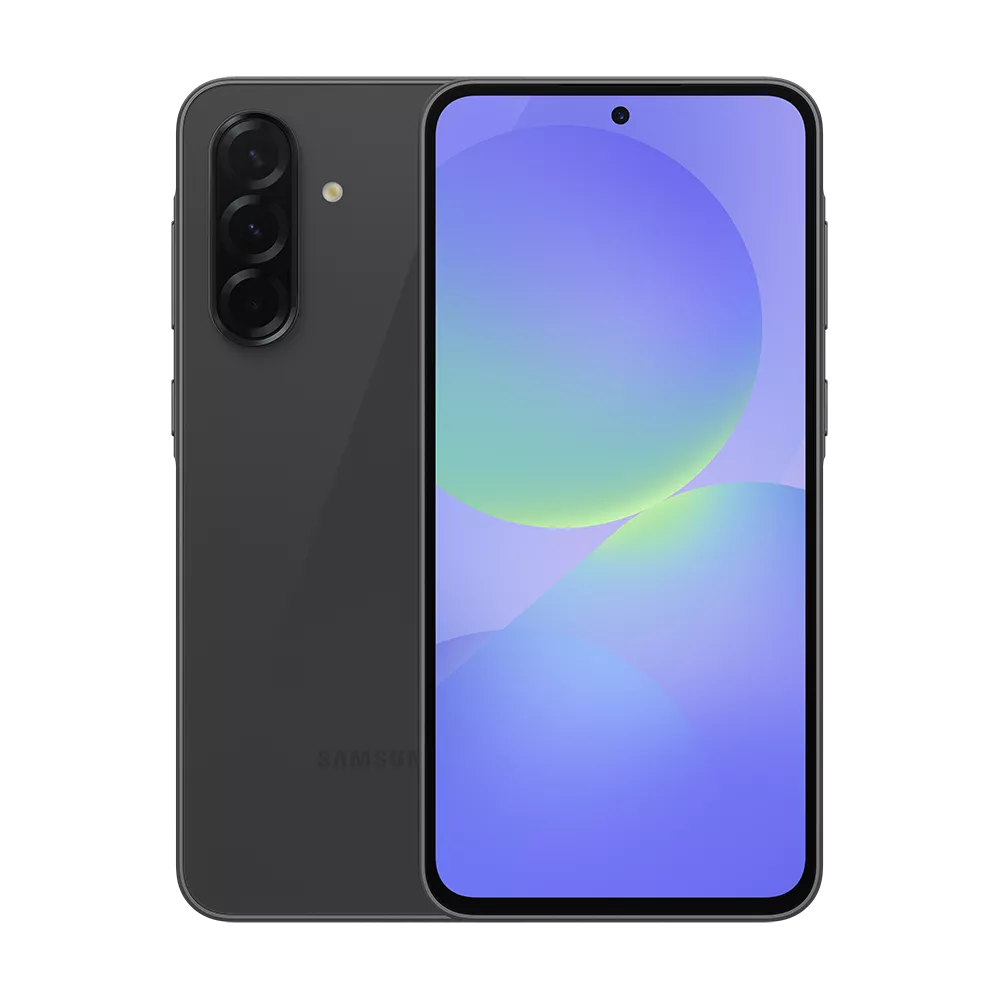
Android Phone
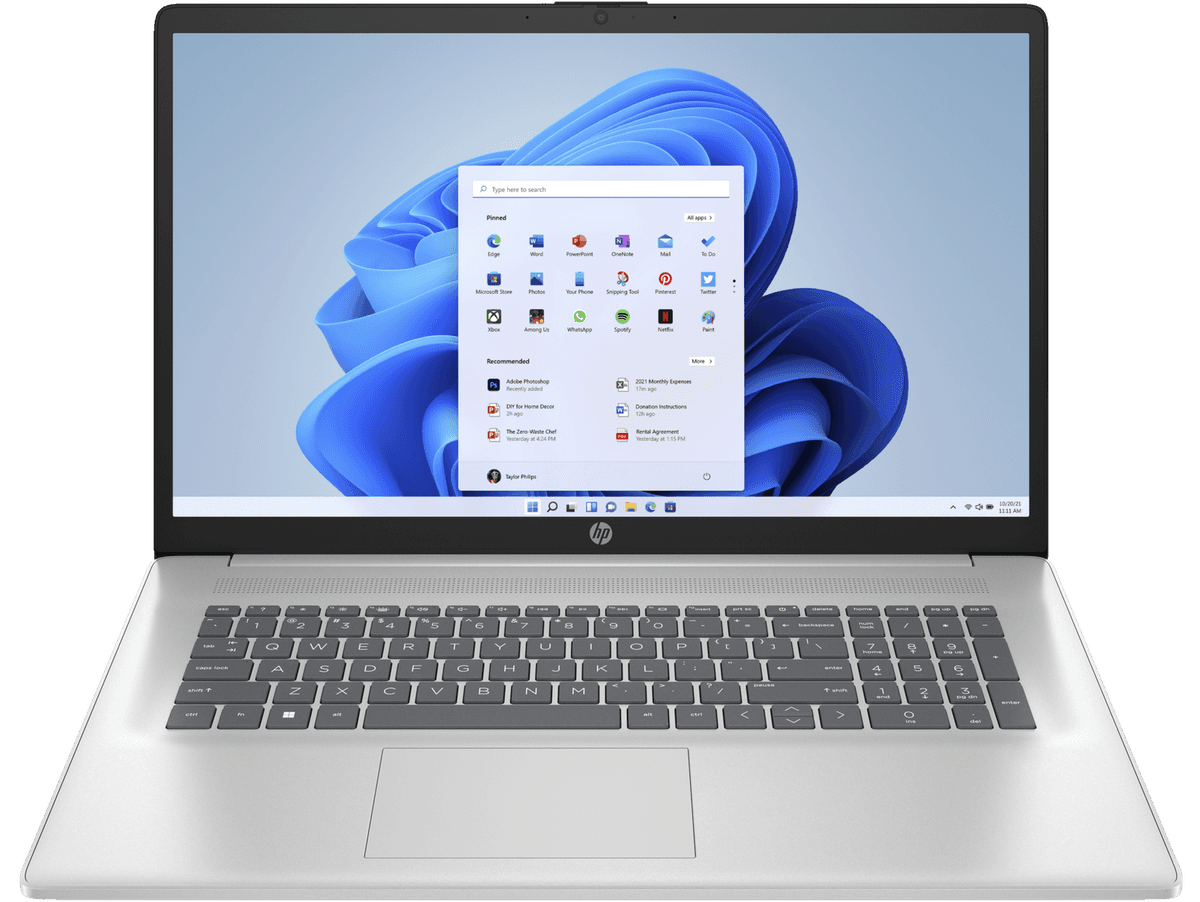
Windows
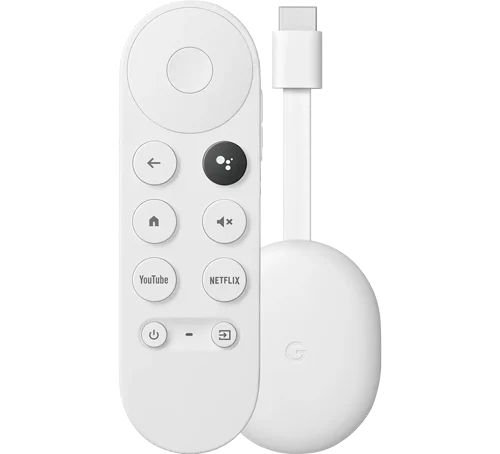
Chromecast
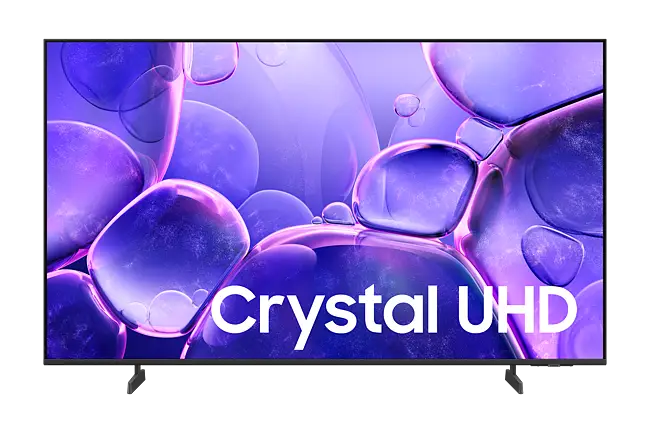
Samsung TV
LG TV
Hisense TV
Sony TV
Android TV
Philips TV
Web
iPhone
MacBook
Android Phone
Windows
Chromecast
Samsung TV
LG TV
Hisense TV
Sony TV
Android TV
Philips TV
Web
iPhone
MacBook
Android Phone
Windows
Chromecast
Samsung TV
LG TV
Hisense TV
Sony TV
Android TV
Philips TV
Web
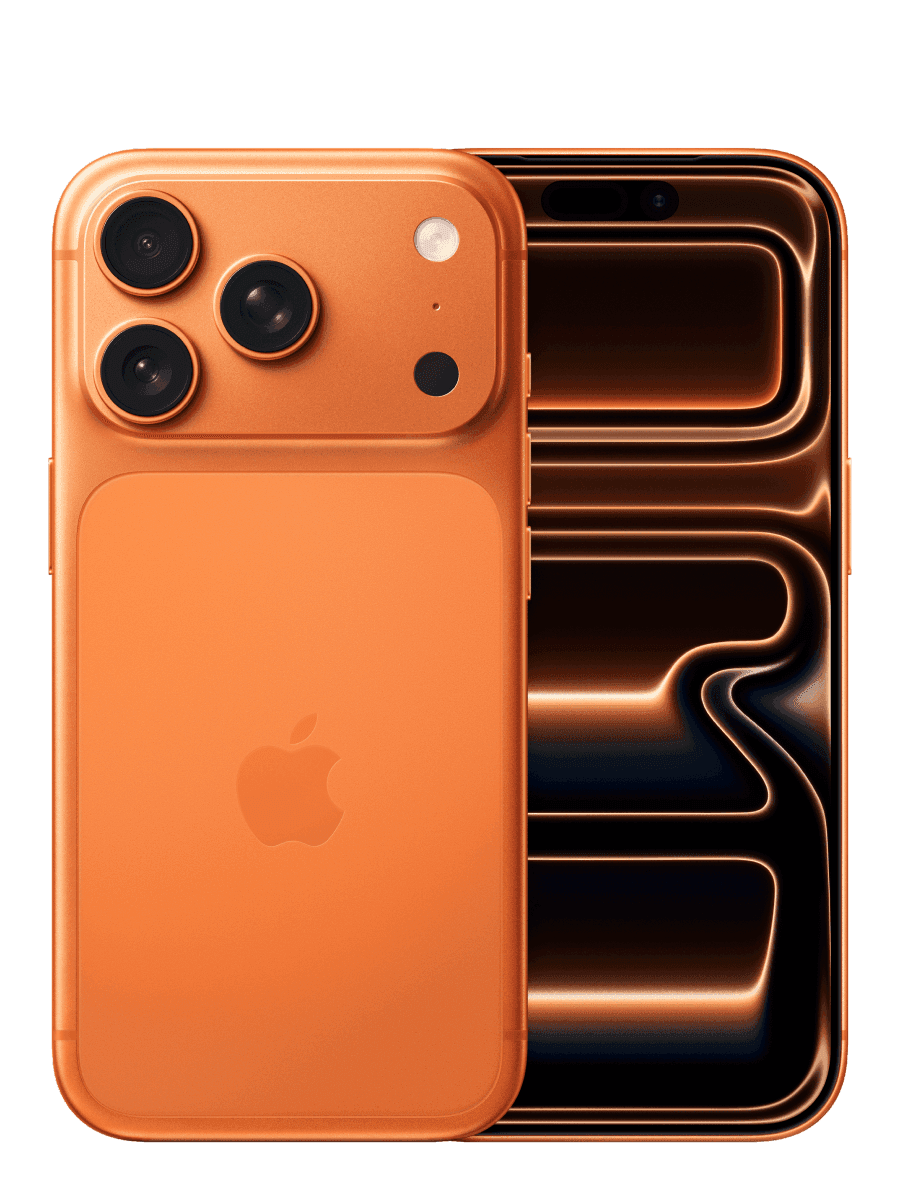
How to watch Allstream on iPhone Step 1 — Download VLC Mediia Player from the Appstore
Click here
Step 2 — Add Allstream to your Home Screen Open Safari and go to web.stremio.com. Tap the three dots (bottom right), tap Share → Add to Home Screen → Add.
Step 3 — Change your player setting Open Allstream, go to Settings → Advanced and change External Player to VLC.
That's it — you're all set! Whenever you play something, your phone prompt you to open it in VLC. You can watch on your phone or cast it to your TV using Chromecast or Apple TV for a bigger screen.
Download Links

For optimal performance, we recommend that you use the latest available version of the Stremio apps.

Downloads

Step 03

Download AllStream

Allstream for MacOS

Current stable version

Allstream for Windows

Current stable version

Allstream for Android Mobile

Current stable version

Allstream for iOS

Current stable version

Allstream for Android TV

Current stable version

Allstream for Samsung TV

Search for Stremio in the App Store of 2019+ Samsung TV models

Allstream for LG TV

Search for Stremio in the App Store of 2020+ LG TV models

Allstream for Sony TV

Search for Stremio in the Play Store app on Sony TV running Android

Allstream for Browser

TV

  • Discover new shows and media with the Discover Page

  • Stream in high-definition quality

  • Explore a diverse content library

  • Enjoy a cinematic, theatre-like experience at home


Computer/Laptop

  • Native Apps for Windows & macOS – Faster load times and smoother playback

  • Seamless Streaming – No browser required

  • Offline Viewing (Coming Soon) – Download titles for access without internet

  • Smart Sync – Preferences and watch history follow you across devices

phone/tablet

  • Seamless Sync – Keep your viewing progress updated across devices

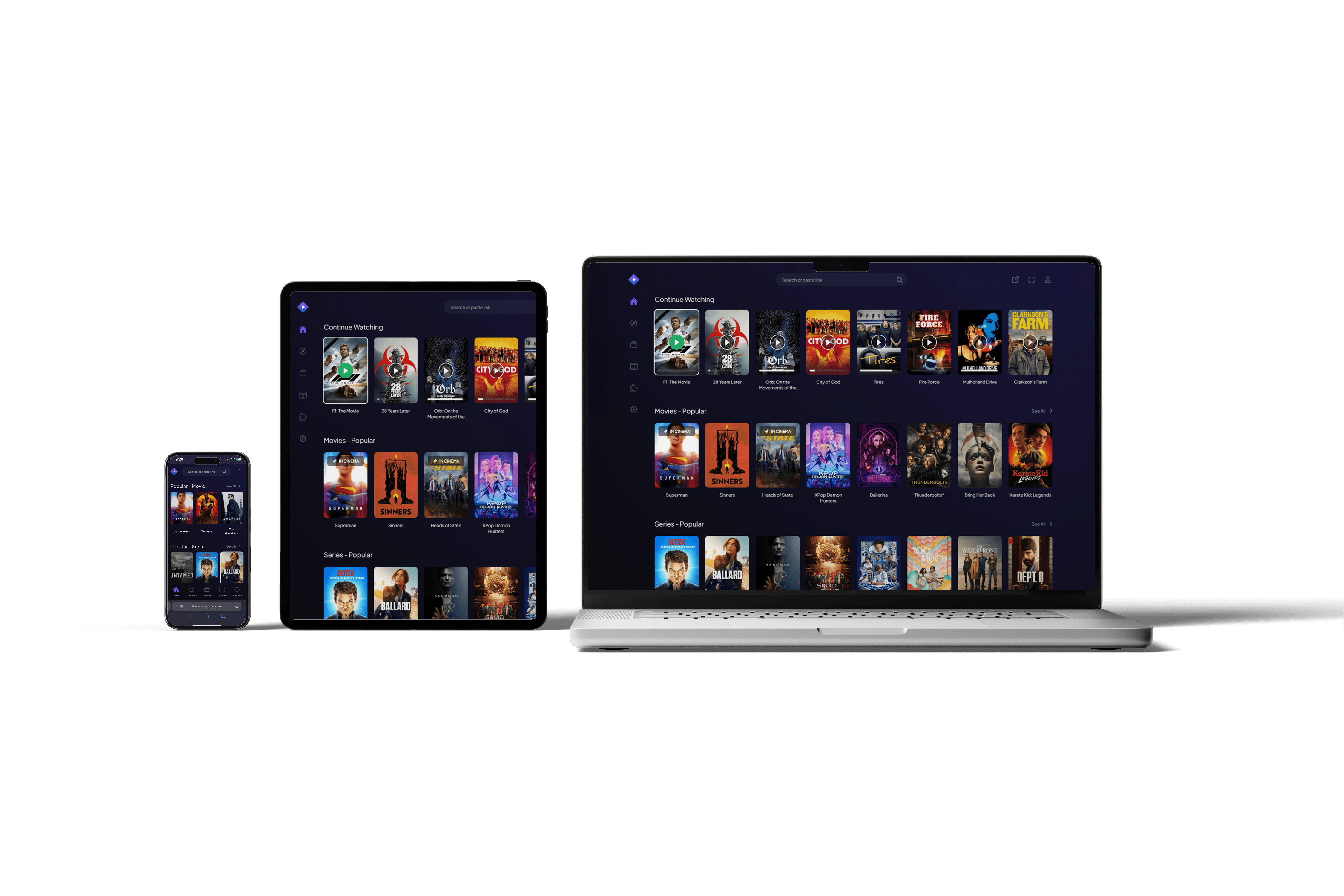
  • Multi-Device Support – Switch easily between phone, tablet, laptop, or TV

  • Stream Anywhere – Watch at home, while commuting, or on the go

Downloads

Step 03

For optimal performance, we recommend that you use the latest available version of the Allstream apps.
Samsung TV
LG TV
Sony TV
Hisense TV
Philips TV
iPhone
MacBook
Android Phone
Windows
Chromecast
Apple TV
Fire Stick
Android TV
Web
Samsung TV
LG TV
Sony TV
Hisense TV
Philips TV
iPhone
MacBook
Android Phone
Windows
Chromecast
Apple TV
Fire Stick
Android TV
Web
Samsung TV
LG TV
Sony TV
Hisense TV
Philips TV
iPhone
MacBook
Android Phone
Windows
Chromecast
Apple TV
Fire Stick
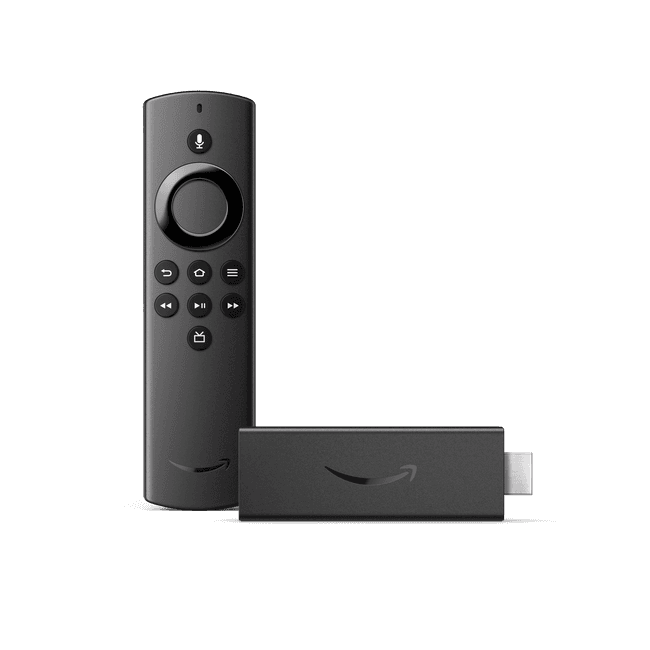
Android TV
Web
How to watch Allstream on Samsung TV Search for Stremio in the App Store of 2019+ Samsung TV models

Download Links